
Leftoff in ten steps
From one install command to your board on your phone.
-
Install
Run one command on your Mac and a two-minute wizard installs the Claude Code plugin, picks who writes your checkpoints and starts the board.
curl -fsSL https://leftoff.dev/install | shOr with npm:
npm i -g @leftoff/cli && leftoff setupFree, local and plain Markdown in
~/checkpoints. Needs Node 20+ and Claude Code.$ curl -fsSL https://leftoff.dev/install | sh ◆ Leftoff setup v0.9.10 [1/5] Preflight ✔ Node 22.23.2 ✔ Claude Code 2.1.300 … [2/5] Claude Code mod ✔ Mod installed: leftoff@checkpoints [3/5] Summarizer ? Who writes the 3-line checkpoints? › 1) Claude, in the session no key; uses your Claude Code login 2) Local model free and private · Ollama or LM Studio … [4/5] Save and start [5/5] Check ✔ folder ~/checkpoints … ╭─ You're set ──────────────────────────────────╮ │ In any session /cp [note] checkpoint now │
-
Your board
Every Claude Code session gets a card with what it was doing, where it stopped and what’s next, and the ones waiting on you sit at the top. Press ⌘K to jump to any of them.
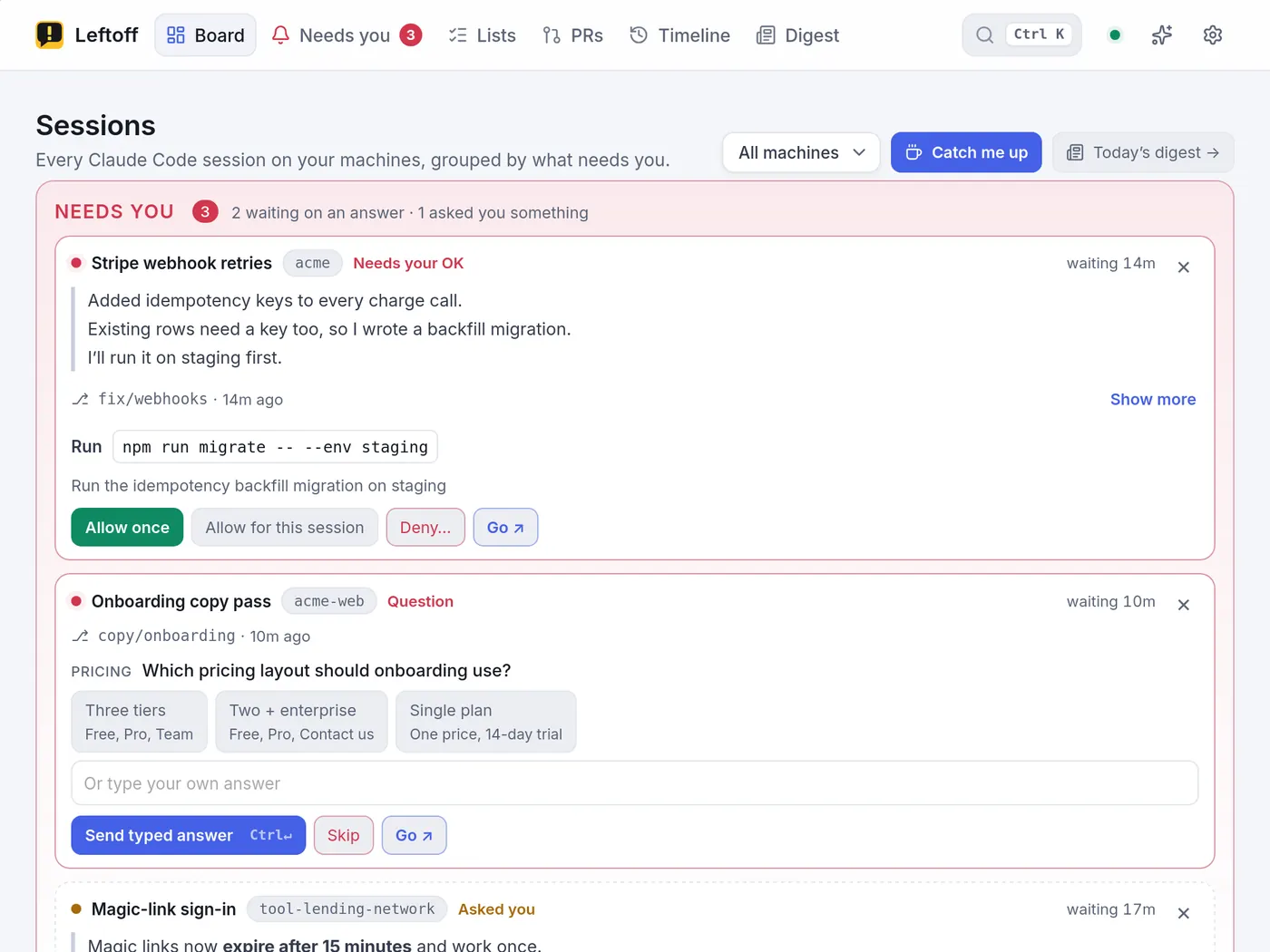
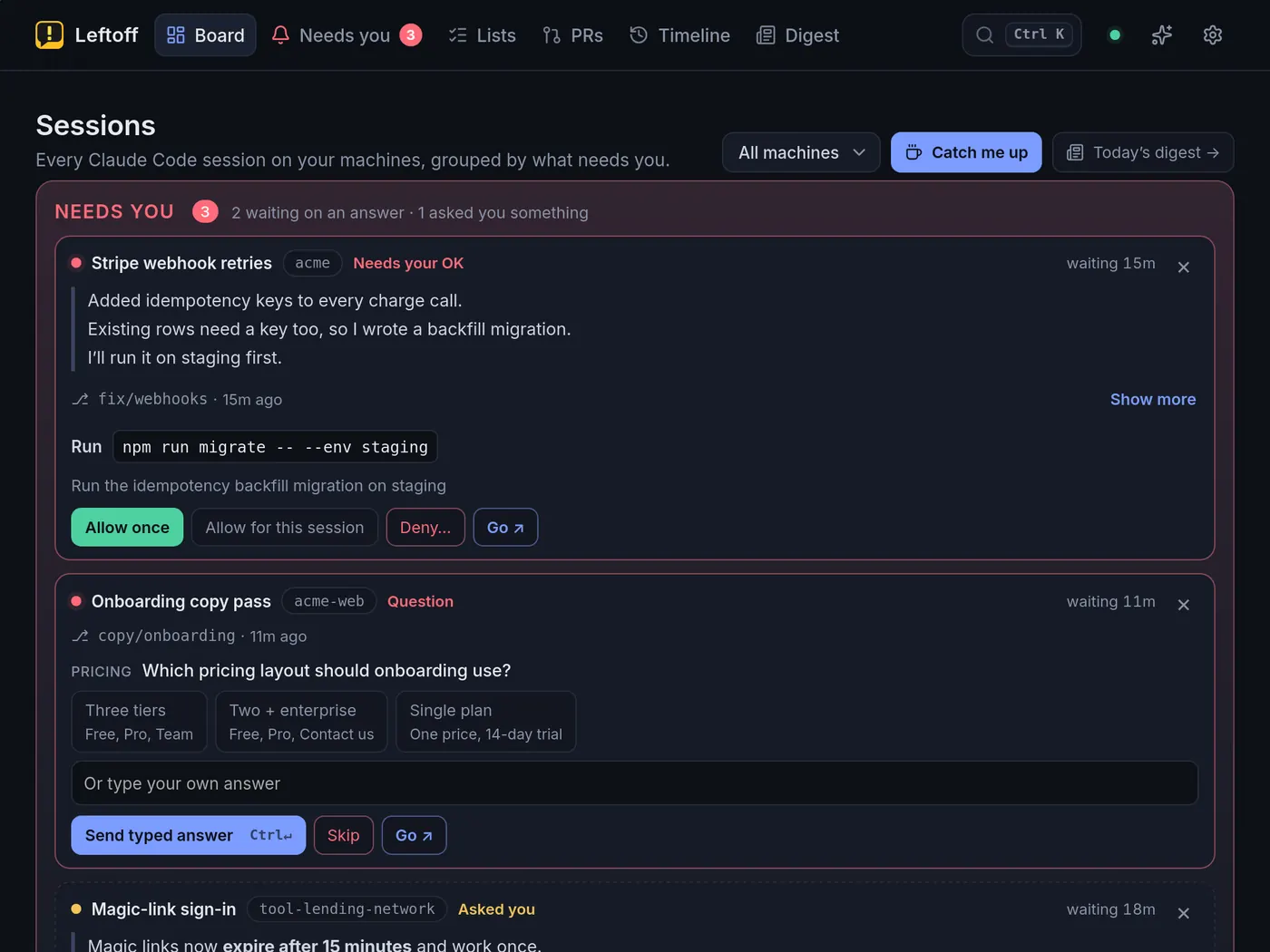
-
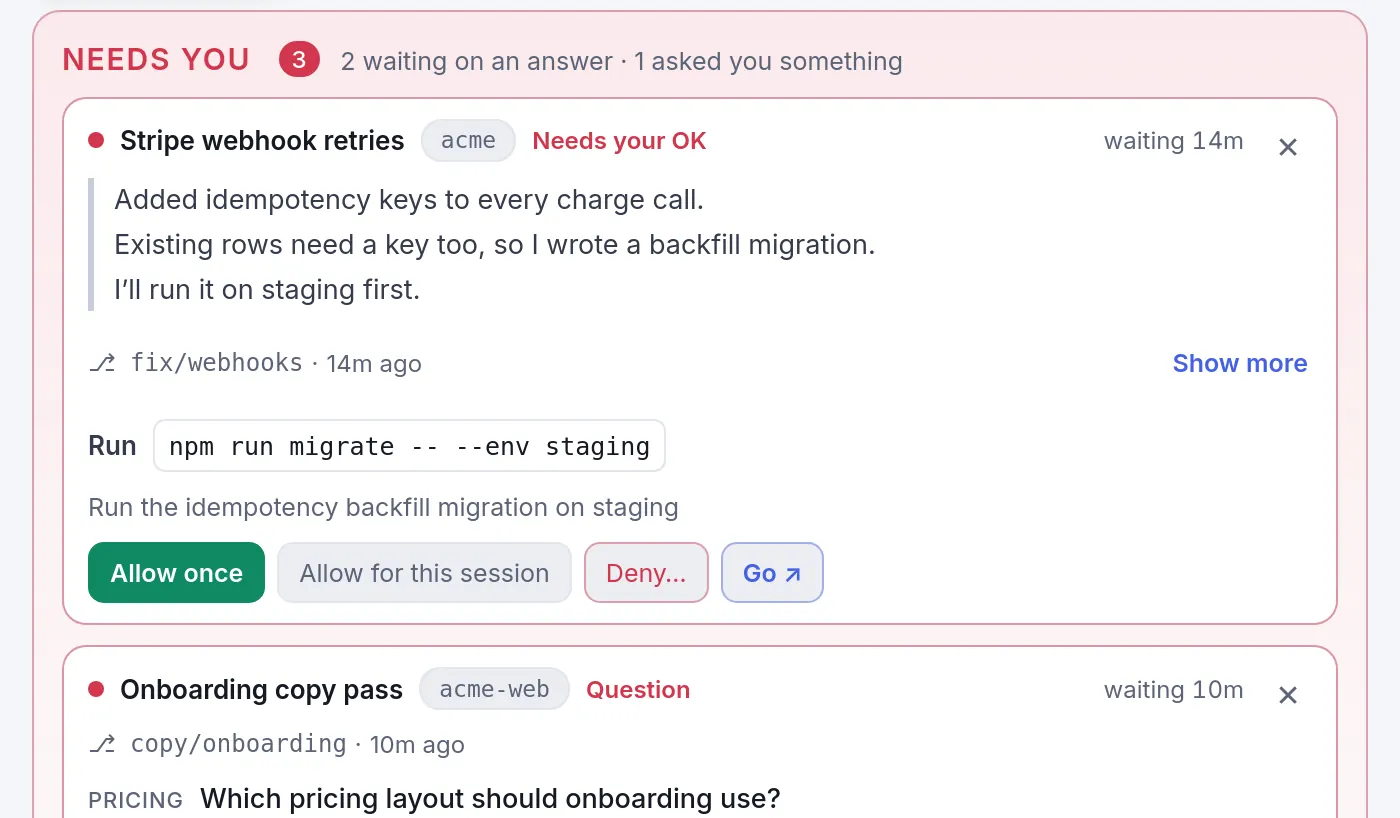
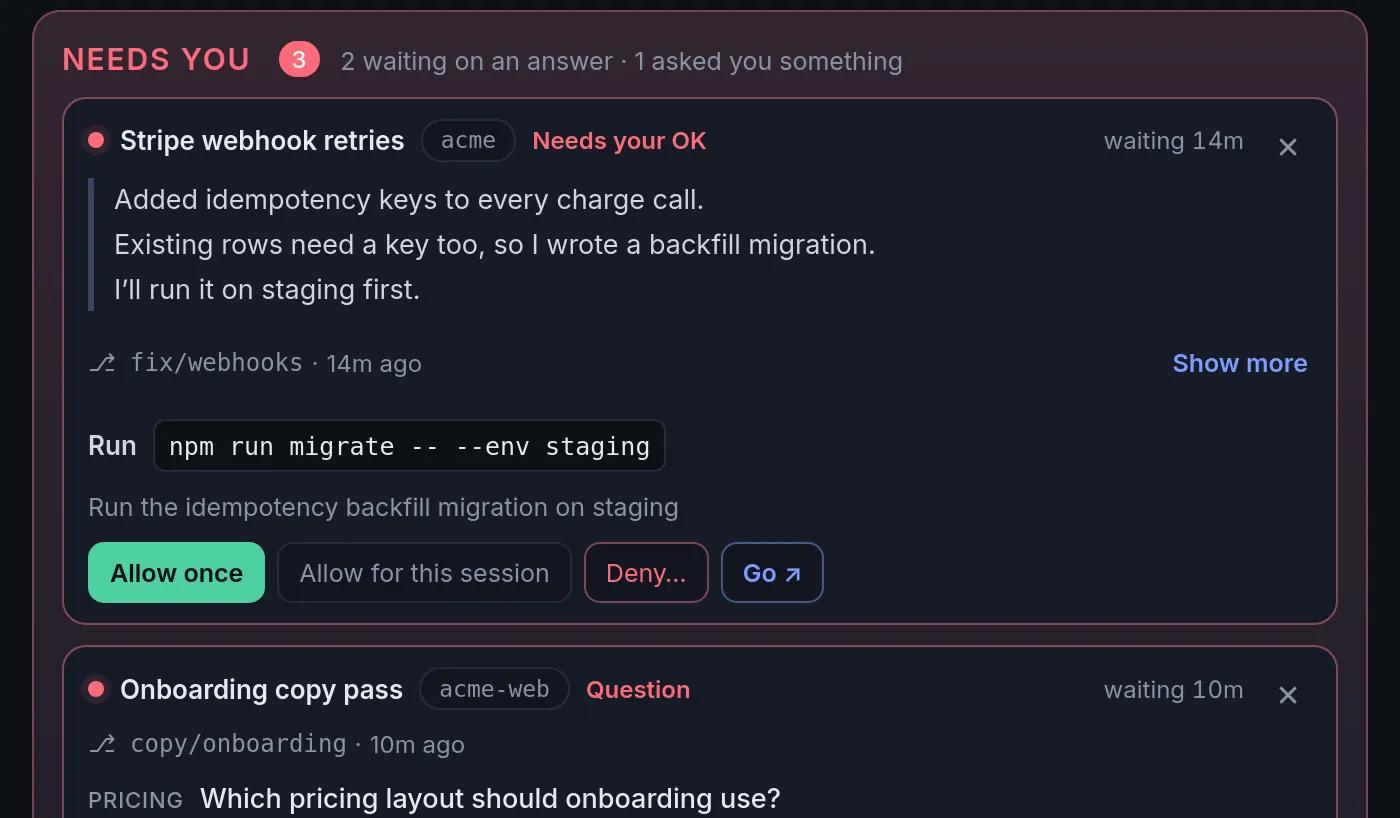
Needs you, answer and Go
When Claude stops on a permission prompt or a question, answer it right on the board, or hit Go ↗ to land in that exact terminal tab.
-
To do and Files
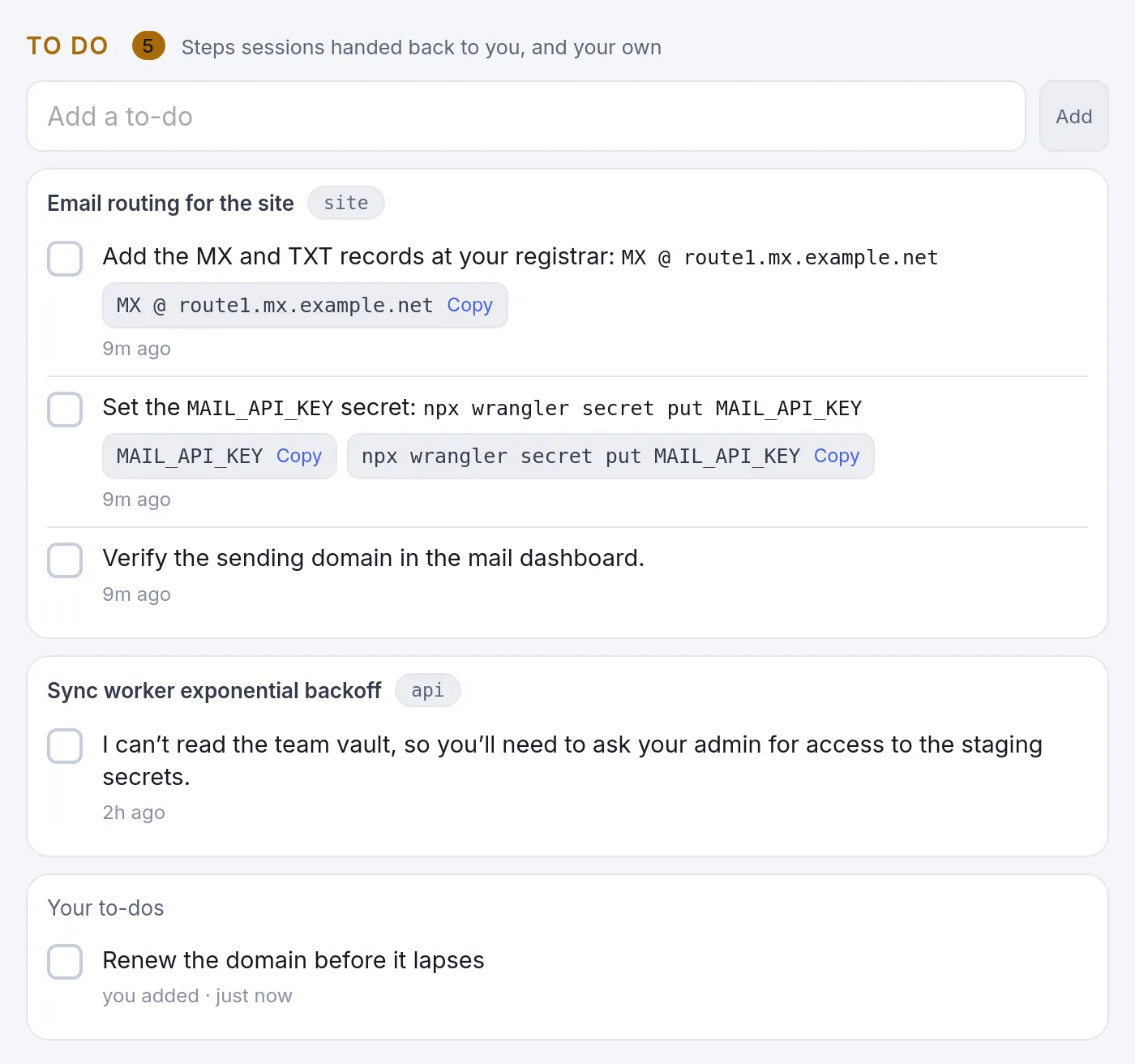
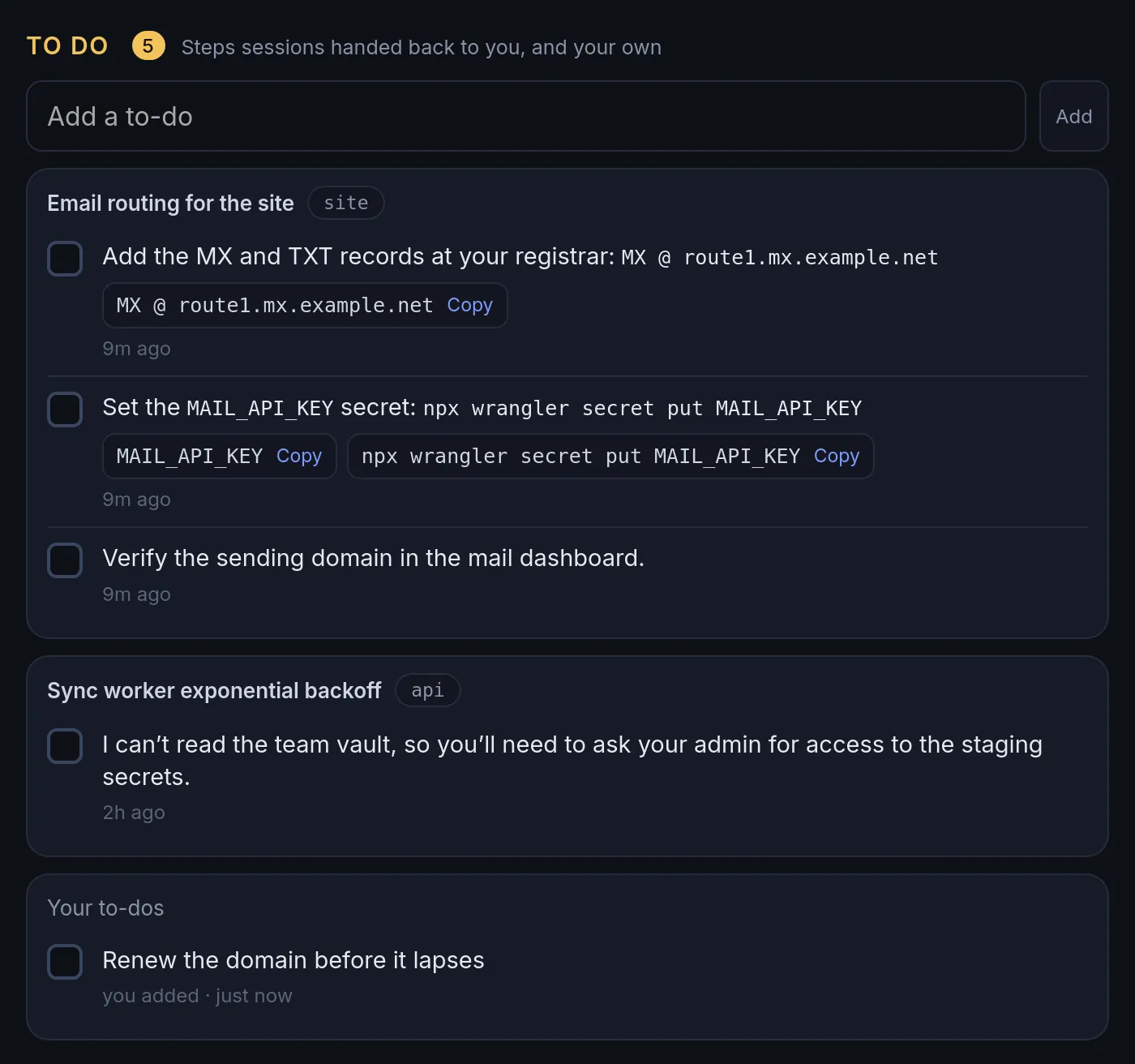
When a session hands a step back to you, like “add these DNS records” or “run npm login”, it lands in Needs you as a to-do with Copy buttons. Each session also lists the docs, plans and claude.ai artifacts it made.
-
Projects
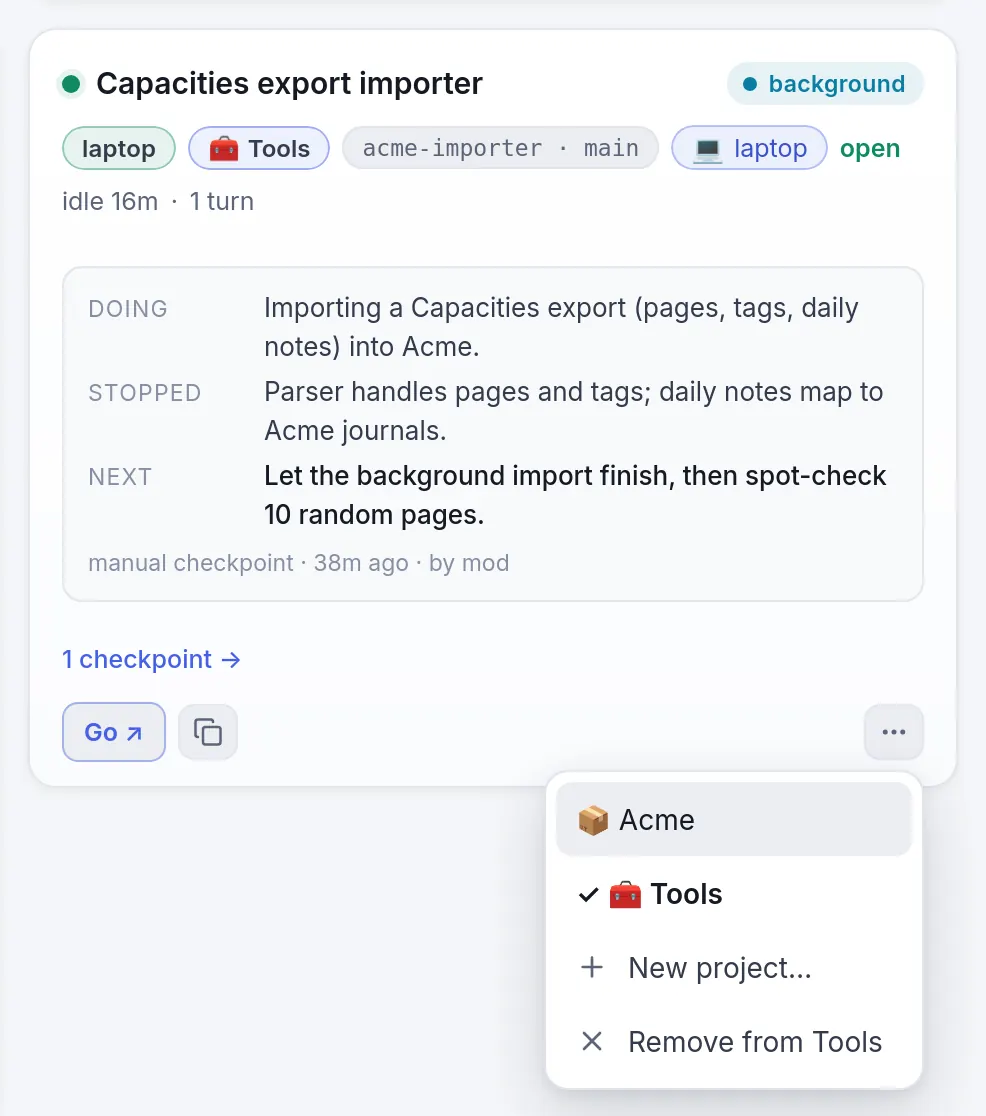
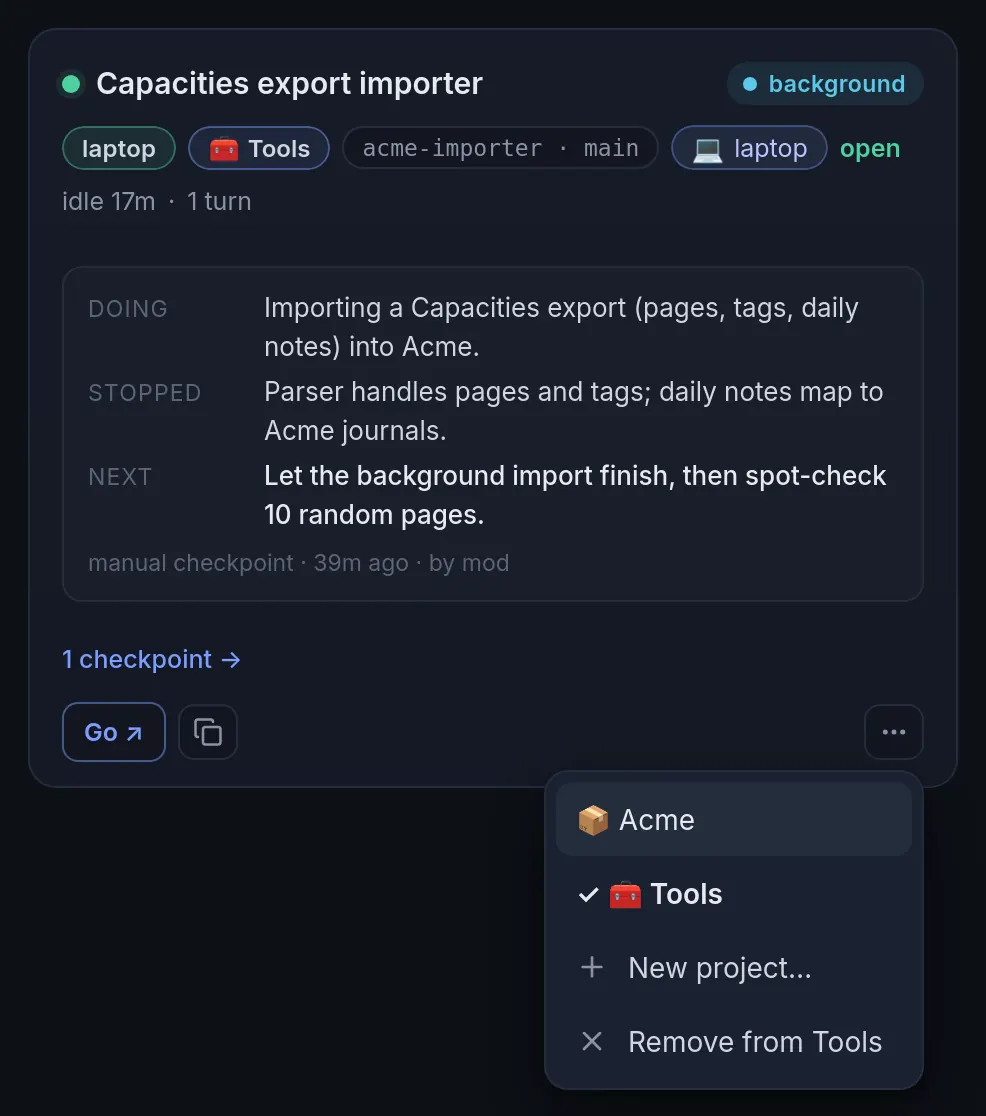
Put repos that go together, like an API and the app that calls it, in a project from any card’s ⋯ menu. Then the board, PRs and digest can show one project at a time.
-
PRs: yours and your team’s
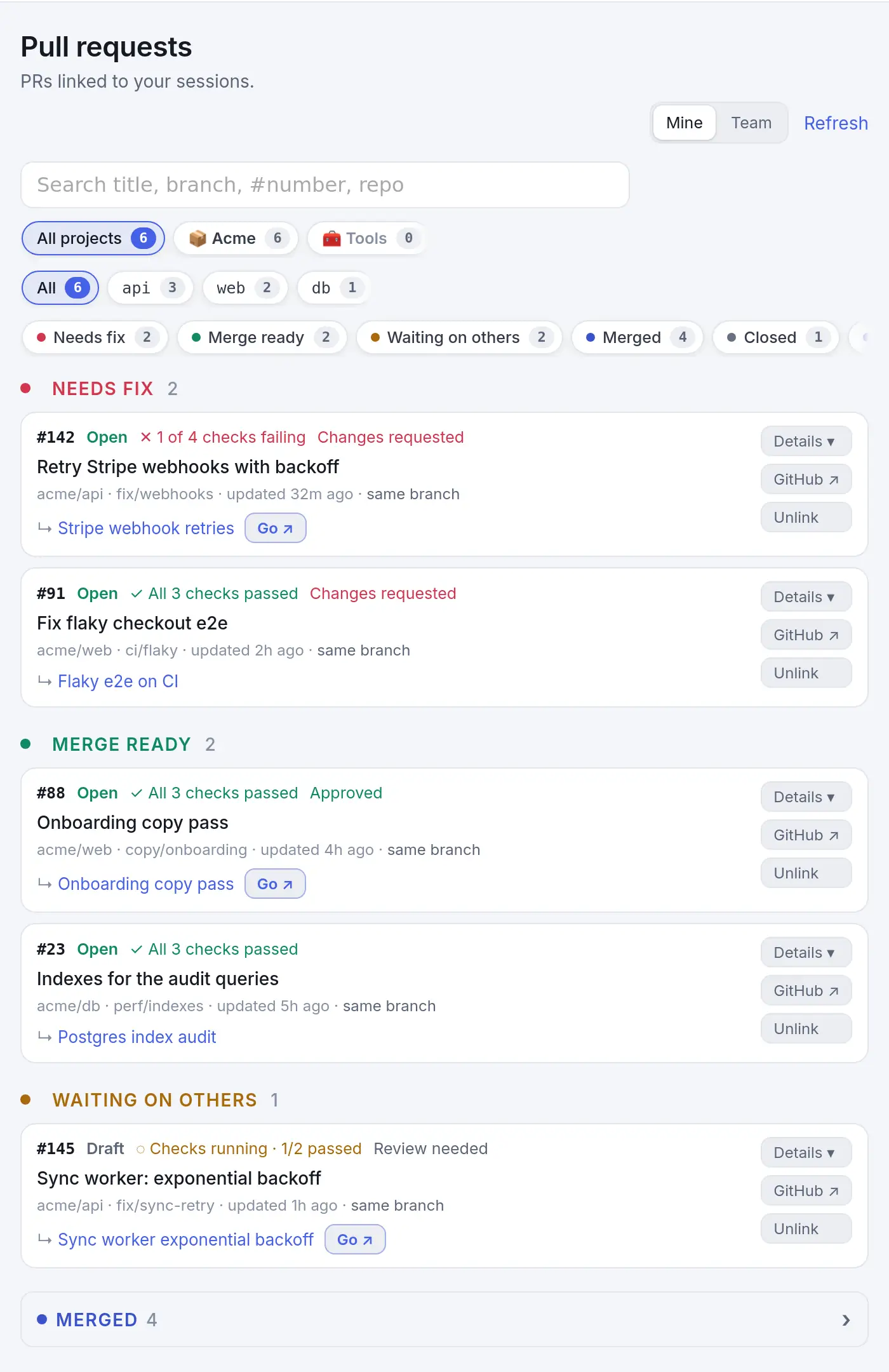
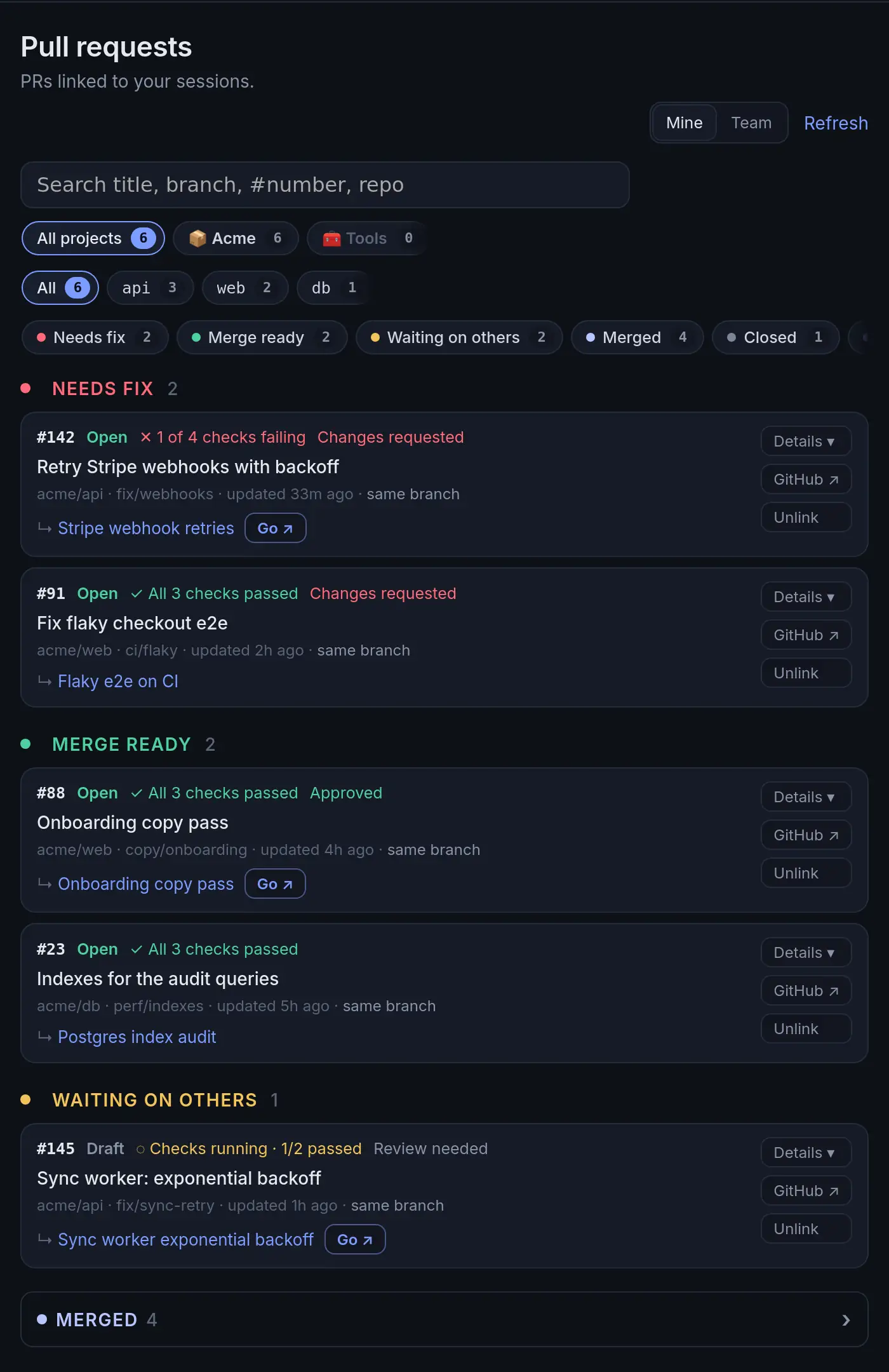
The PRs tab sorts every open PR into Your review, Needs fix, Merge ready and Waiting on others, with checks, the description and the session behind each one. Team adds everyone’s PRs in the same repos, through your own gh login.
-
Checkpoints and the daily digest
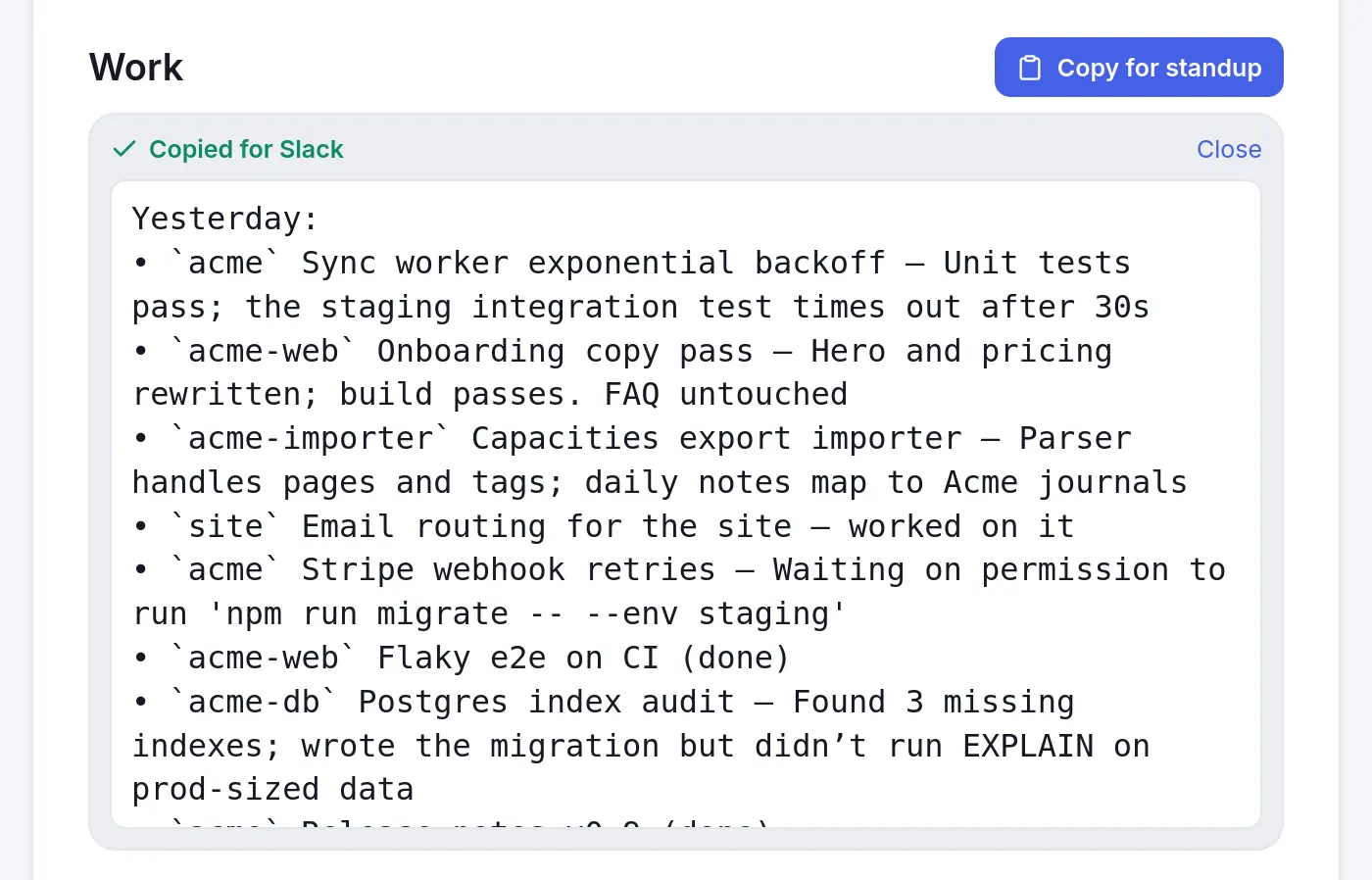
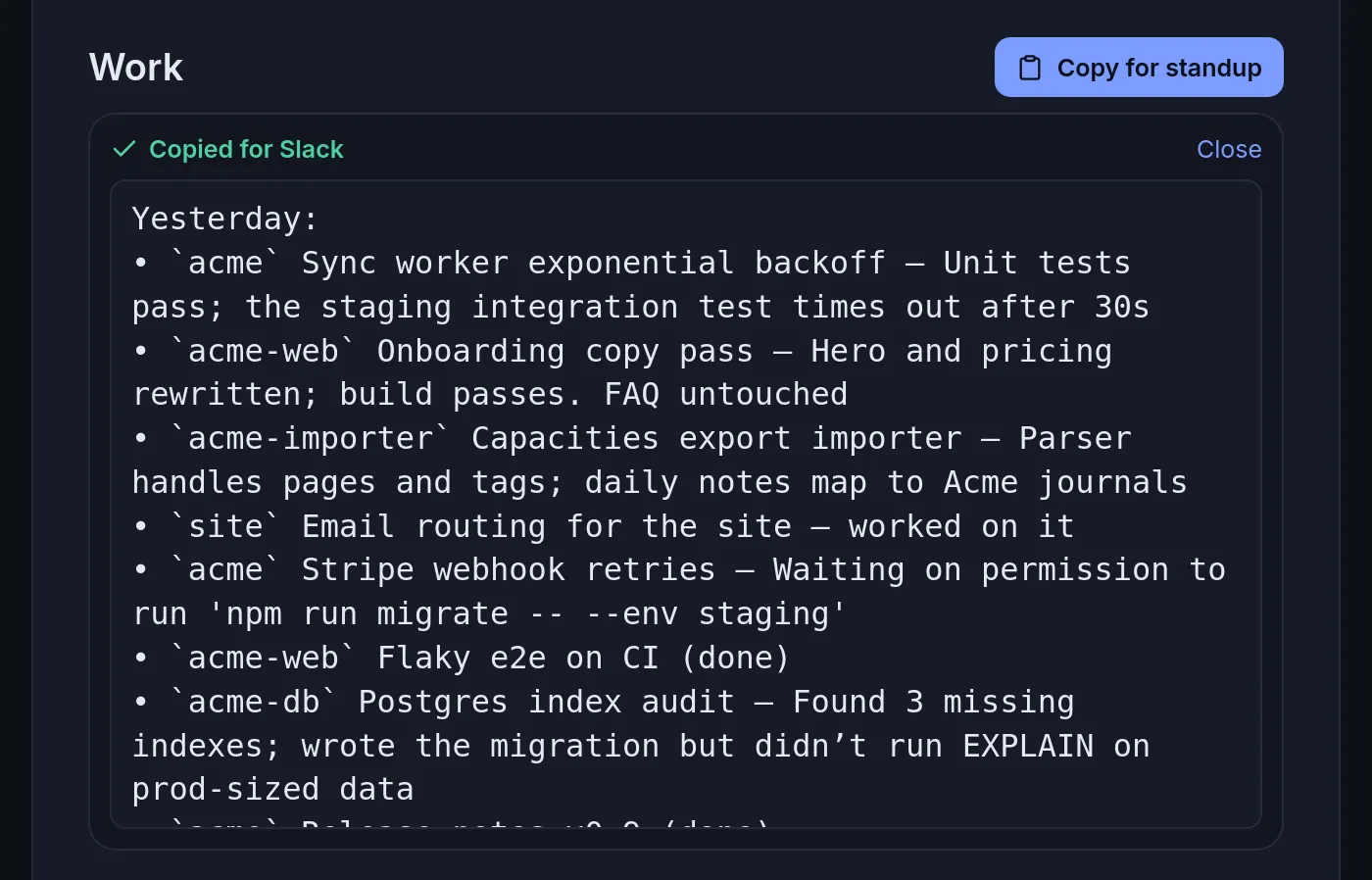
When a session goes quiet Leftoff writes a three-line checkpoint, and each morning’s digest rolls them up with what shipped and Copy for standup, ready to paste into Slack.
-
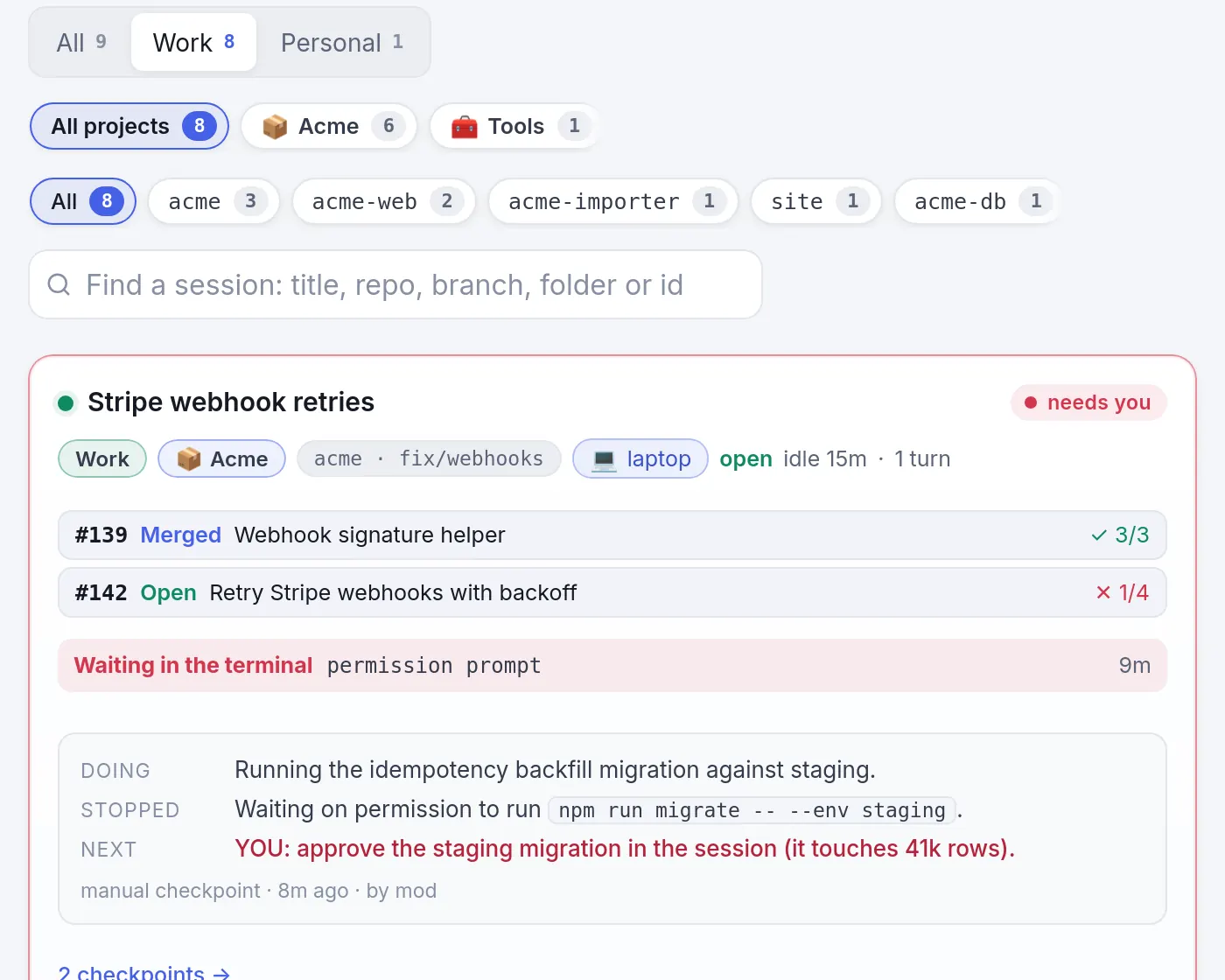
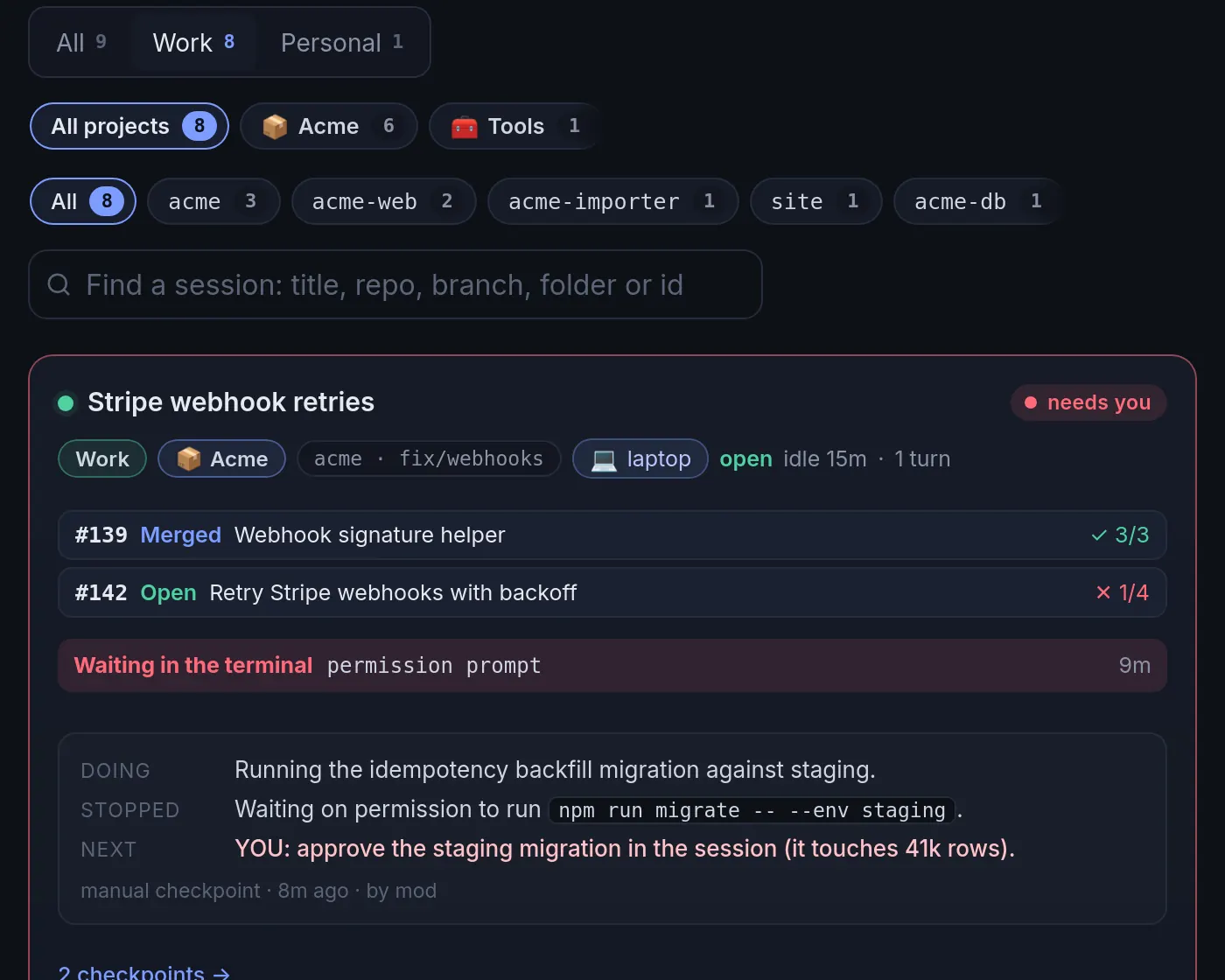
Spaces: Work and Personal
Put each Mac, repo or session in Work or Personal, and the board, digest and standup split the same way.
-
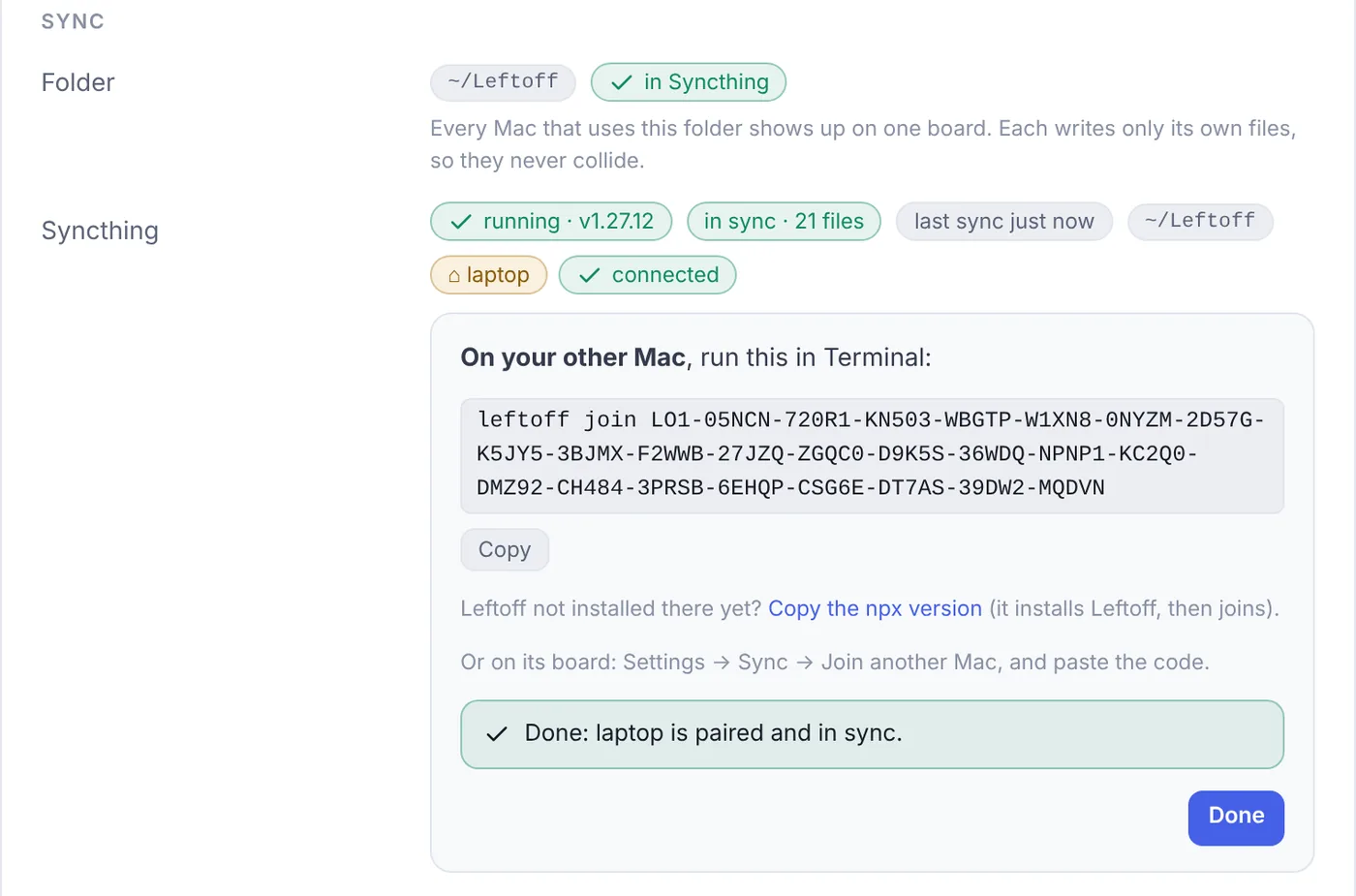
Two Macs, one board
Leftoff sets up Syncthing to share your folder between Macs, so every session from both shows up on one board, with no cloud in between.
-
Leftoff from anywhere
Claim your address from the terminal (or in setup), press Confirm in the email, then pair your iPhone with a QR code. Your board lives at yourname.leftoff.dev, end-to-end encrypted so the relay only ever sees scrambled bytes.
leftoff relay signup yourname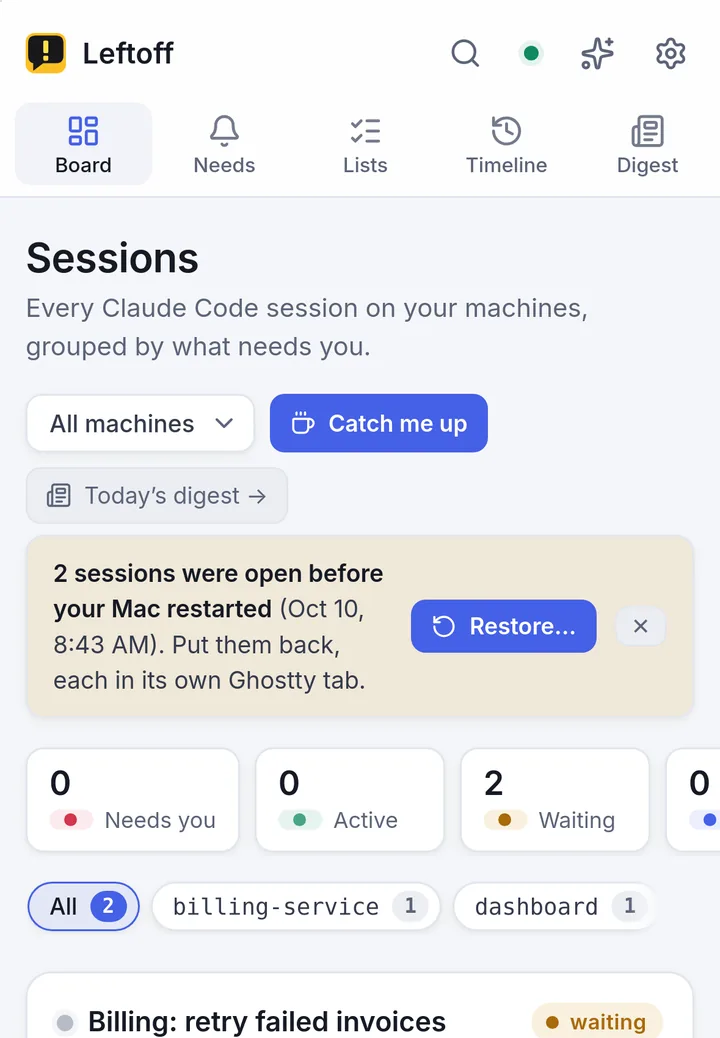
Grab your name while it’s short
Hosted Leftoff will put your board at yourname.leftoff.dev. Claim it now; Leftoff on your Mac stays free.